
Discount codes are applied in the shopping basket at checkout, and they work for most people without any issues. If yours isn't reducing the order total as expected, here are the most common reasons and what to try.
How to apply a discount code
In your shopping basket, enter your code in the 'Discount Code' box exactly as it appears - codes are case-sensitive, so it's worth copying and pasting rather than typing manually if you received the code by email - be careful not to copy any empty character spaces either side of the code as the system will count these and it may cause the code to be rejected. Click 'Apply' and the discount should appear in your order summary before you pay.
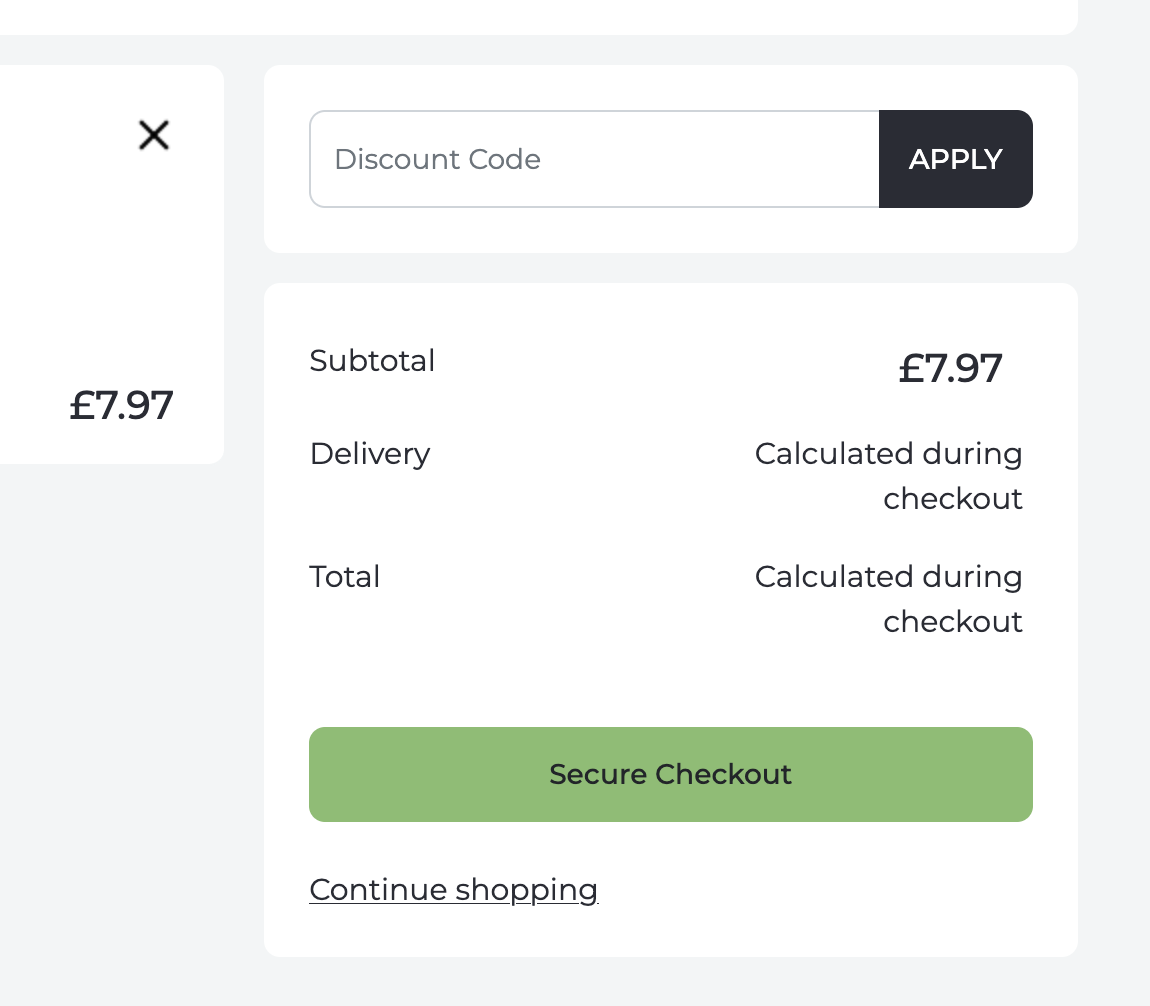
There are a few reasons this can happen. The most common is that the code has expired - check any email or communication that included the code for its validity date. Alternatively, the code may apply only to specific products or categories and not to everything in your basket. Some codes also have a minimum spend requirement.
The Subscribe & Save discount isn't showing
If you've subscribed to a product, the Subscribe & Save discount (typically 10%) is not applied on the initial order - it only applies on every subsequent automatically generated order as per your subscribe and save interval. As such, discount coupon codes cannot be applied directly to a subscribe and save order that is auto generated. If you wish to use a coupon and have an active subscription, please login and pause your subscription first and then order using the coupon.
You've received a welcome or promotional code but it won't apply
Welcome codes sent after signing up to the mailing list are usually single-use and tied to one account. If the code doesn't work, it's possible you have already used it, or it may only apply to your first order. If you've received a specific promotional code and believe it should work but doesn't, email us at support@troohealthcare.com with the code and what you're trying to order and we'll look into it.
The code was working before but isn't now
Some promotional codes are time-limited or are deactivated once a campaign ends. If a code has stopped working after previously working, it may have expired. Contact us with the code and we can confirm its status.
If you're still stuck, our support team is happy to help - email support@troohealthcare.com.